


Photo Background Eraser: 2025’s Best Apps to Erase & Replace
In 2025, editing tools have become more advanced than ever, and the ability to cleanly erase or replace photo backgrounds is now accessible to everyone — from professional photographers to casual social media users. With AI-powered precision and intuitive interfaces, today’s apps make background editing faster, cleaner, and more creative. Let’s explore the best options available this year.
Table of Contents
1. Canva – All-in-One Editing with Background Removal
Canva has evolved into a design powerhouse that also excels in removing photo backgrounds. Its AI background remover works in seconds, allowing you to instantly isolate your subject and replace the background with solid colors, patterns, or even custom designs. Canva’s free plan offers limited removals, but its Pro subscription unlocks unlimited background edits along with advanced filters, templates, and branding tools.

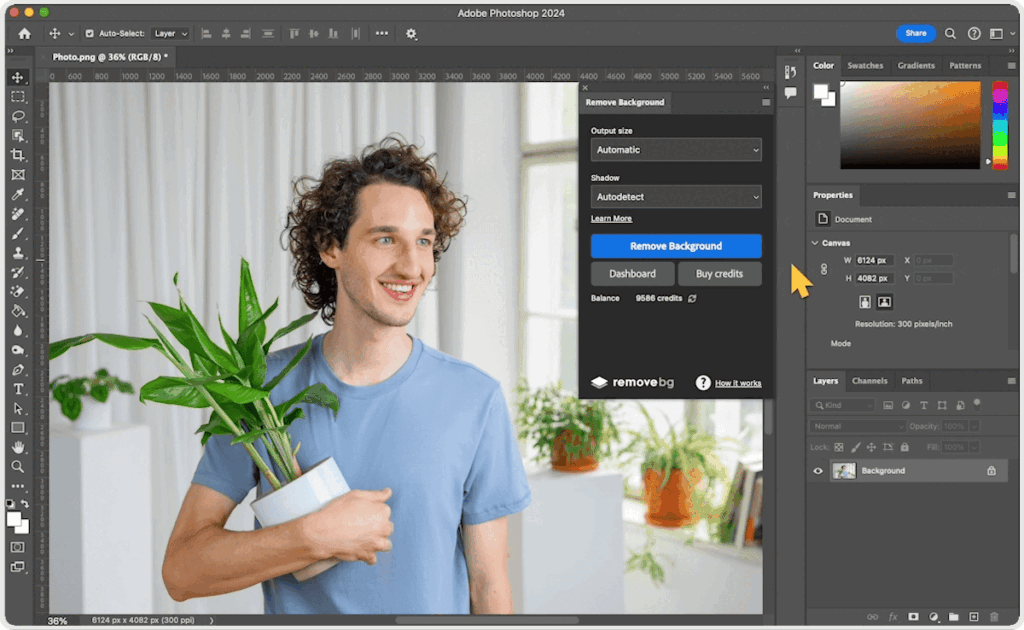
For those who want professional-grade editing in their pocket, Adobe Photoshop Express brings powerful features to mobile devices. Its background eraser tool uses smart selection to detect edges, making it easier to work with complex photo backgrounds. Users can replace backgrounds with gradients, textures, or transparent layers for seamless integration into other projects.
3. Remove.bg – Quick and Simple Online Tool
Remove.bg is perfect for anyone who wants to erase photo backgrounds quickly without downloading heavy software. Simply upload your image, and the AI instantly removes the background with impressive accuracy. It’s especially useful for e-commerce product images, profile photos, and quick graphic design tasks. While free downloads are low-resolution, the paid plan unlocks HD-quality exports.
4. Fotor – Creative Editing with Background Replacement
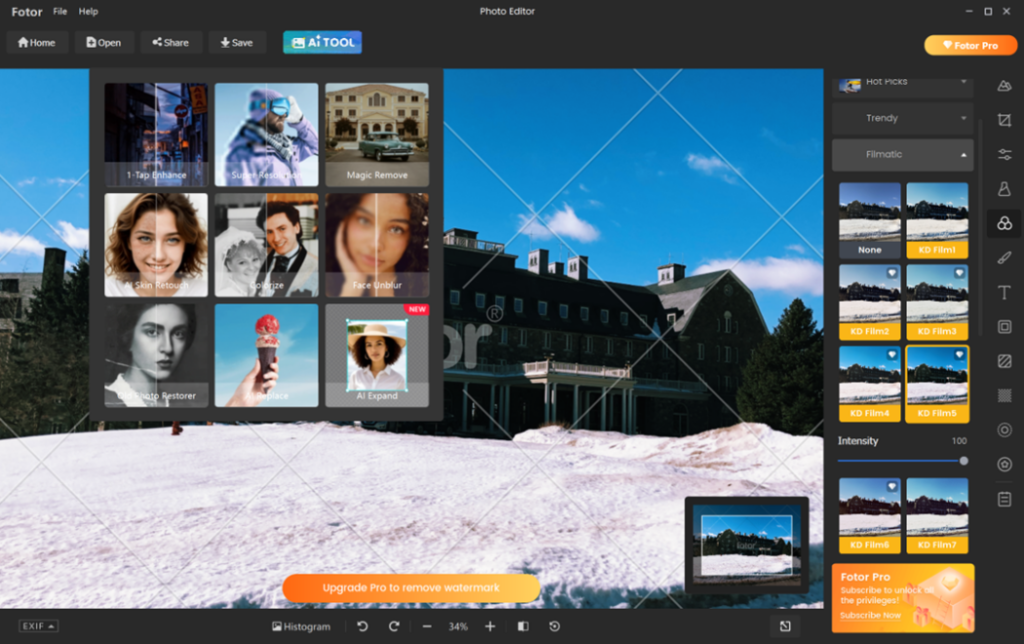
Fotor offers more than just background removal — it’s a complete photo editing suite with filters, retouching tools, and design templates. Its AI-powered remover cleanly separates subjects from photo backgrounds, letting users replace them with artistic scenes, cityscapes, or branded graphics. Fotor’s blend of simplicity and creativity makes it a great choice for bloggers, marketers, and casual users alike.
5. PicsArt – Social Media Friendly Editing
Popular among Instagram and TikTok creators, PicsArt’s background eraser tool allows quick edits with style. Its AI detects the subject in an image, making photo backgrounds vanish with a single tap. Users can then add trendy backdrops, animated effects, or collages. The app also features stickers, filters, and drawing tools for a more personalized touch.
6. PhotoRoom – Perfect for E-commerce and Product Shots
PhotoRoom is tailored for sellers, entrepreneurs, and marketers. It specializes in removing photo backgrounds to create clean, professional product images for online stores and social media ads. With built-in templates for Amazon, eBay, and Shopify, it helps users create consistent and brand-ready visuals in minutes.
7. GIMP – Free Desktop Editing for Background Control
For those who prefer desktop editing, GIMP (GNU Image Manipulation Program) offers a free, open-source alternative to Photoshop. While it has a steeper learning curve, GIMP provides advanced control over photo backgrounds, allowing precise manual editing for complex scenes and multi-layer compositions.
Choosing the Right Background Eraser App
The best app for erasing and replacing photo backgrounds depends on your needs. Canva and Fotor are great for creative projects, Remove.bg and PhotoRoom excel at fast commercial edits, and Adobe Photoshop Express or GIMP are ideal for professionals who need full control.
Final Thoughts
In 2025, removing and replacing photo backgrounds has become easier, faster, and more creative than ever before. Whether you’re a small business owner preparing professional product photos, a content creator designing engaging visuals, or simply someone who enjoys experimenting with images, these innovative tools make high-quality, polished results accessible to everyone, regardless of skill level.
While these apps are perfect for editing photo backgrounds at home, nothing beats a professionally shot image. 📸 Visit: zypixPhotography.ae for high-end photography and videography services in Dubai.